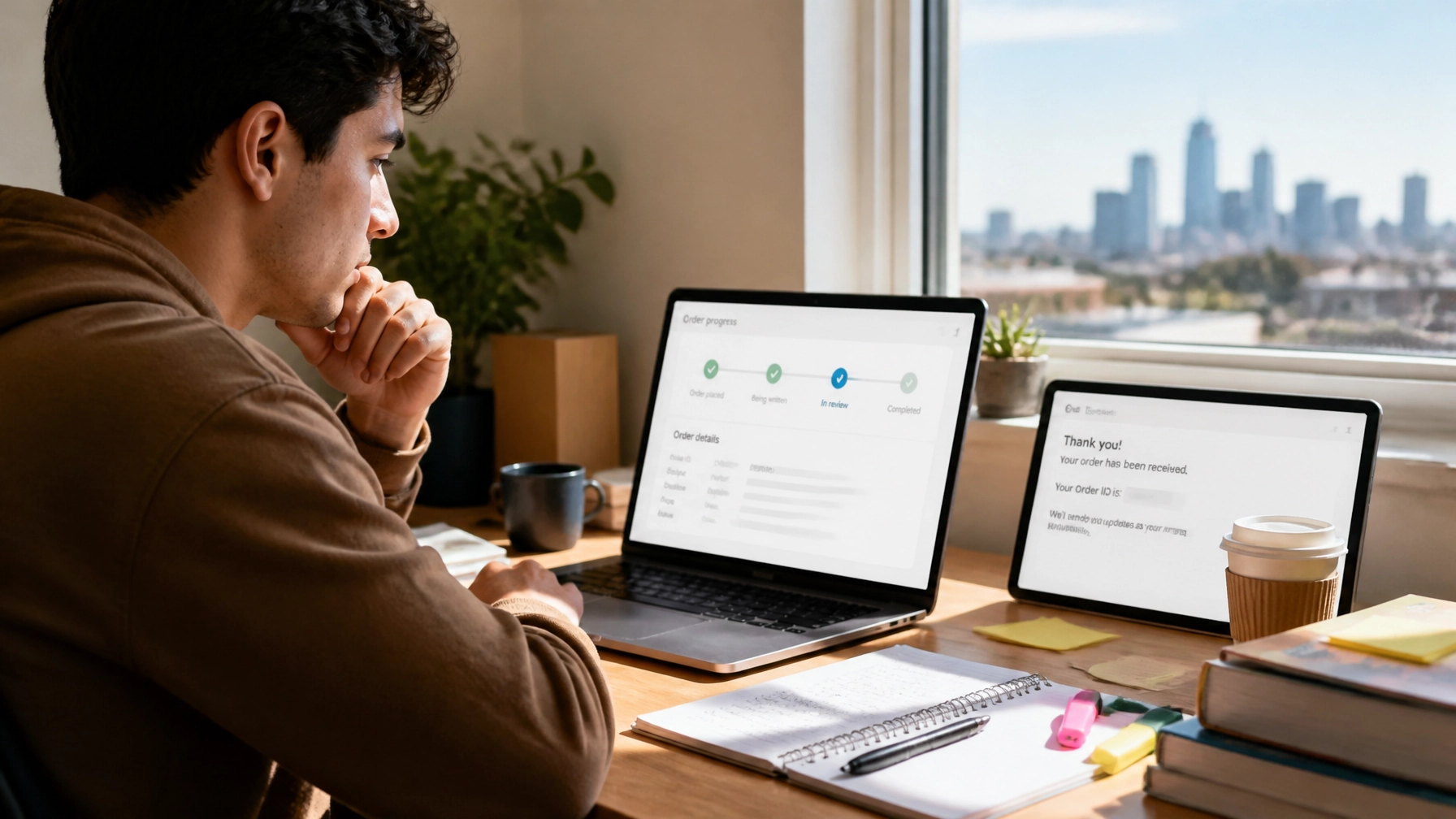
How to track your assignment order online is simple with Submit Your Assignments (SYA): enter your Order ID at the official tracking page, or sign in to your SYA account with your email address and password to view order updates. Your Order ID appears in your confirmation email or SMS. Submit Your Assignments provides custom writing services, editing, research organization, citation, formatting, and reference support for high school, college, and university students nationwide. The public tracking page is handy when you have the Order ID, while your account offers the clearest client-specific status flow and order management tools.
Last updated: August 26, 2026
By Shannon Nicole
Table of Contents
- Where to find your SYA Order ID
- How to track your assignment order online
- How the SYA account status flow works
- What to do when your order status looks unchanged
- Behind the scenes: how order updates are organized
- FAQ about tracking an assignment order
- Let’s Get You That A!
You know the feeling: you submitted your instructions, checked your deadline three times, and now you’re staring at your inbox thinking, “Wait… where is my order?” Maybe you’re balancing a Houston commute, a nursing shift, or an all-nighter with one eye on your phone. No need to spiral.
Quick writing tips while you wait
Use the waiting time to make your final review easier:
- Re-read the assignment prompt and highlight the required tasks.
- Open your course rubric and note the sections your instructor will assess.
- Gather your approved sources, lecture notes, and citation requirements.
- Write down any questions you want to ask during your review.
- Keep your confirmation email or SMS somewhere easy to find.
Tracking gives you information. Your own review helps you make informed academic decisions.
Where to Find Your SYA Order ID
Your SYA Order ID is included in the order confirmation email or SMS sent after your request is submitted. Search your inbox, text messages, and spam or junk folder for the confirmation message, then copy the Order ID exactly as shown before opening the tracking page.
Look for:
- The order confirmation email from Submit Your Assignments.
- The SMS confirmation sent to the phone number connected to your order.
- The Order ID number displayed in the order details.
- Any deadline, service, or project information included with the confirmation.
Do not guess the number. A missing letter, extra space, or incorrect digit can prevent the tracker from finding your order.

How to Track Your Assignment Order Online
To track your assignment order online, open the official SYA order-tracking page, enter the Order ID from your confirmation email or SMS, and submit the form. The page is the quickest option when you already have your order number available.
Follow these steps:
- Open the track your assignment order page.
- Find the field requesting your Order ID number.
- Enter the Order ID exactly as it appears in your confirmation email or SMS.
- Submit the tracking request.
- Review the order status displayed on the page.
- Save the page or confirmation message so you can return to it later.
The public tracking page works best for a quick status check. You do not need to search through your entire account when all you need is a fast update before class, work, or your next study session.
With that being said, the account dashboard is usually the better choice when you want a fuller view of your order.
How the SYA Account Status Flow Works
Your SYA account is the best place for client-specific updates because it connects your login details with your order history, available updates, and account tools. Sign in with the email address and password associated with your account, then open the relevant order to review its current status flow.
The exact labels and timing can vary by order. A general workflow may include stages such as:
- Order received or posted: Your request and instructions have entered the service workflow.
- Payment confirmation: The order’s payment information has been recorded.
- Writer assignment: Your request is matched with an appropriate member of the writing team.
- Writing or outline progress: The team reviews your prompt, reference materials, structure, and formatting needs.
- Editing and quality review: The document receives an editorial check for clarity, organization, citations, and instructions.
- Delivery: The completed reference material or support deliverable is made available for your review.
- Client review or revisions: You review the material and identify any permitted changes or questions.
- Completion: The order reaches its final stage after the applicable review process.
This list is an illustrative explanation, not a promise that every order will use these exact labels. Your account may show different wording, combined stages, or timing based on the service you selected, your deadline, the instructions provided, and the type of academic support requested.

How to log in or reset your password
If you already have an account, use the SYA account login page. Enter your email address and password, then select the option to stay signed in if you are using a private device.
Forgot the password? Use the password-reset option on the login page. Check your email for the reset instructions, and make sure you enter the same email address used for the order.
If you are a new user, registration is required before placing an order. During registration, use an email address you check regularly so order confirmations, updates, and support responses reach you.
What to Do When Your Order Status Looks Unchanged
If your status appears unchanged near an expected milestone, first compare the public tracking page with the status flow inside your account. If both show the same information, contact support with your Order ID so the team can review the order directly and explain the next step.
Try this troubleshooting checklist:
- Confirm that you entered the complete Order ID.
- Check whether you accidentally added a space before or after the number.
- Search your email and SMS messages for the original confirmation.
- Sign out and log back into your account.
- Use the password-reset tool if you cannot remember your password.
- Check whether your order has a new message or available update.
- Contact support if the order does not appear or the status remains unclear.
A status may not change every few minutes, especially when the team is reviewing detailed instructions, reference materials, formatting requirements, or revision notes. Still, you should not be left guessing. Reach out when the status seems out of place near an important milestone or when you cannot access your order.
To contact us for help, include your Order ID and the email address connected to the account. Never send unnecessary personal information or private login credentials.
Behind the Scenes: How Order Updates Are Organized
Order updates help you understand where your request sits in the workflow, but they are not a substitute for reading, reviewing, and following your school’s academic policies. At SYA, our writers and editors use the instructions, source materials, formatting details, and reference information you provide to organize the support process.
A typical behind-the-scenes review may focus on:
- Whether the assignment instructions are clear.
- Whether the requested academic level and subject area are appropriate.
- Whether the document needs writing, editing, outlining, citation, or formatting support.
- Whether attached materials are readable and complete.
- Whether the requested citation style is identified.
- Whether the deliverable needs an editorial or quality check before it reaches you.
That is why detailed order information matters. Your deadline, word count, rubric notes, citation style, source requirements, attachments, and professor instructions give the team a clearer picture of what you need.
SYA supports students nationwide, including students studying in Houston and other busy academic communities across the U.S. Whether you need affordable editing, research organization, or custom writing services for reference and educational purposes, the goal is a straightforward process with fewer mystery moments.
You can learn more about Submit Your Assignments, read about who we are on the About Us page, or review our academic editing and proofreading support.
SYA also focuses on student-friendly pricing. If you are comparing cheap and affordable support options, review the originality guarantee and ask about the Price Match Blitz for comparable services. Turnitin/Originality Reports are available for $5.00 when requested as an additional service.
For more deadline guidance, see I Have a Paper Due Tomorrow and From ChatGPT Draft to Professional Essay: The SYA Editing Guide.
Google reviews are the primary source of SYA social proof, and Submit Your Assignments maintains a 94% average customer rating. That feedback reflects what students value most: communication, clarity, reliable support, and a process that helps them regain time for studying, work, family, and living their life.
FAQ About Tracking an Assignment Order
How do I track my assignment order?
You can track your assignment order by opening the SYA tracking page and entering your Order ID number. The Order ID is located in your order confirmation email or SMS.
Where can I find my SYA Order ID?
Your SYA Order ID is in the confirmation email or SMS sent after you place your order. Search your inbox, spam folder, and text messages if you cannot find it.
Can I check my order from my SYA account?
Yes. Log into your SYA account with your email address and password to manage orders, review available updates, and view the order status flow.
What if I forgot my account password?
Use the password-reset option on the SYA login page. Enter the email address connected to your account and follow the reset instructions you receive.
Is the account status flow better than the public tracking page?
The account status flow is usually best for client-specific updates and order management. The public tracking page is useful when you have the Order ID and want a quick status check.
What should I do if my status has not changed?
Check both the public tracking page and your account. If the status still appears unchanged near an important milestone, contact SYA support with your Order ID and account email so the team can review it.
Do new users need to register before ordering?
Yes. New users must register before placing an order. Use an email address you check regularly for confirmations and updates.
Let’s Get You That A!
Stop refreshing your inbox with no plan. Open the SYA tracking page, enter your Order ID, or sign into your account to see what is happening with your order.
Need help? Contact your Academic Success Advisor through the approved channels:
- Text your Academic Success Advisor: 832-926-5551
- WhatsApp: https://wa.me/13466176123
- Call Only: 346-603-6340
- Email: info@submityourassignments.org
Whether you’re attending college in Houston, Dallas, Los Angeles, Atlanta, Chicago, or anywhere else in the U.S., our team is available to help.
Use the account flow for peace of mind. Check your updates. Review your materials carefully. Keep moving toward a calmer, more organized academic week: with support that respects your work and your school’s expectations.
Submit Your Assignments provides custom reference materials and tutoring services for research and educational purposes only. We encourage all students to follow their institution’s academic integrity policies.
Submit Your Assignments