author: Shannon Nicole
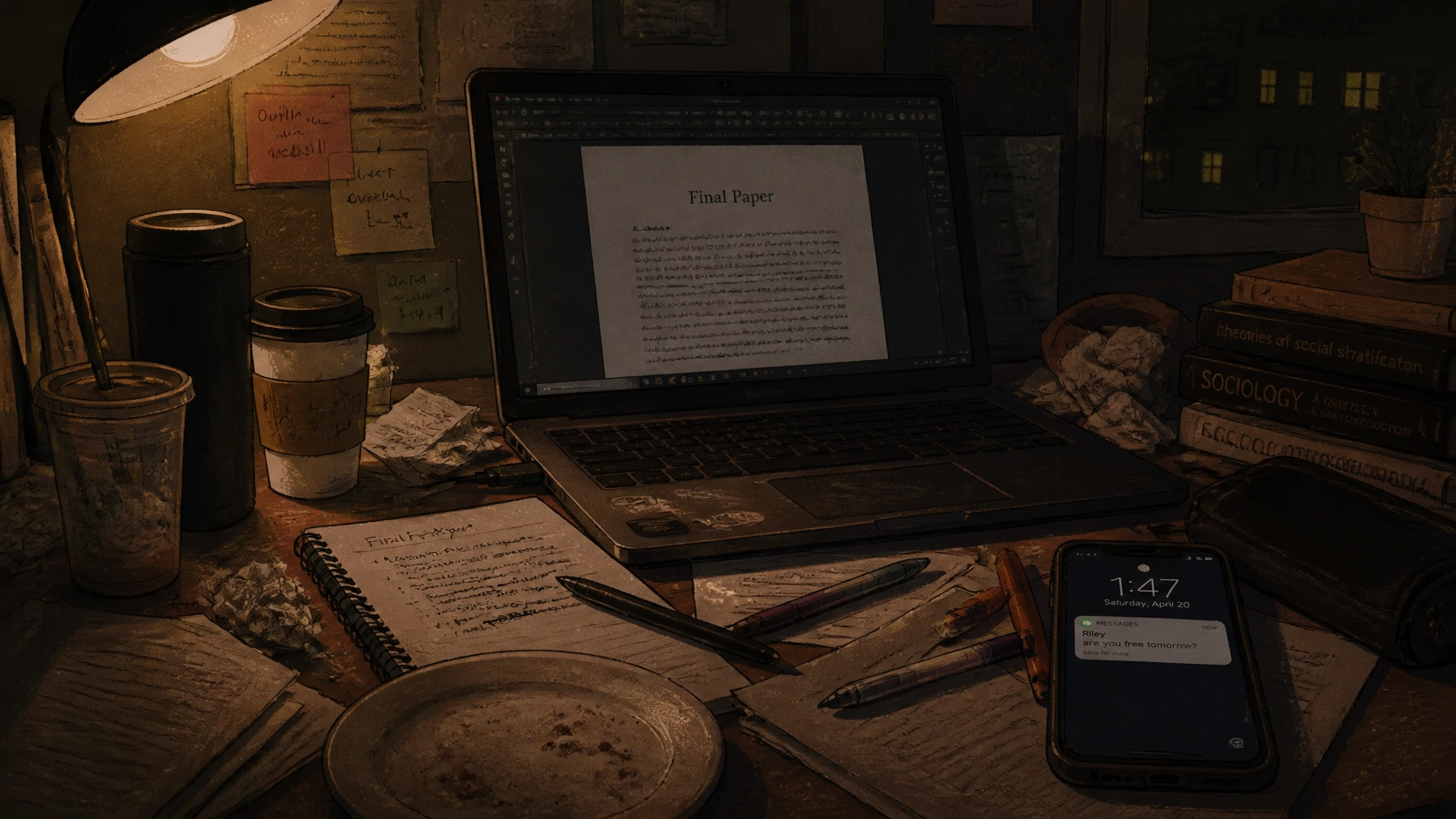
It’s 3:00 AM. You’ve just finished a 12-page masterpiece on the socio-economic impacts of late-stage capitalism. Your brain is essentially a lukewarm bowl of oatmeal, and your eyes are vibrating. You’re ready to hit "submit" and pass out for twelve hours.
But then, you see it. That little voice in the back of your head, the one that sounds suspiciously like your toughest professor, whispers: “Is your reference list actually in APA 7th edition, or are you still living in 2018?”
You scroll down. You see a mess of URLs, missing italics, and author names that look like they were formatted by a random number generator. Panic sets in. You know that even if your arguments are Nobel Prize material, a messy citation page can tank your grade from an A to a "see me after class" B-.
APA 7th edition was supposed to make our lives easier, but let’s be real: it’s just a new set of hoops to jump through. If you’re tired of losing points over a misplaced period or a missing "et al.", listen up. We’re breaking down the petty mistakes that are low-key gatekeeping your GPA.
The Running Head (The "Grandpa" Rule)
First things first: unless your professor is a total stickler for the "Professional Version" of APA, you probably don’t need a running head.
Back in the day (APA 6th edition), we all had to wrestle with that weird "Running head: TITLE OF YOUR PAPER" thing in the header. It was a nightmare to format, different on the first page, all caps, flush left. It felt like trying to solve a Rubik's cube while blindfolded.
In APA 7, student papers generally do not need a running head. All you need is the page number in the top right corner. That’s it. No title, no "Running head" label, just a simple number.
But here’s the kicker: many professors haven't updated their mental software since 2015. They might still expect it, or they might be using an old rubric. If you want to avoid that "Where is your running head?" comment, check your syllabus. But if the syllabus says "Follow APA 7," you can officially say goodbye to that header headache.

The 'et al.' Nightmare: One and Done
If you’ve ever sat there counting authors on your fingers to figure out if you should list them all or use et al., you aren't alone. It used to be a whole math equation. If there were three authors, you’d list them all the first time, then use et al. the second time. If there were six, you’d… well, nobody actually knew.
APA 7 simplified the grind. Now, if a source has three or more authors, you use et al. from the very first citation.
- Wrong: (Smith, Jones, & Miller, 2023)
- Right: (Smith et al., 2023)
It’s a "one and done" rule. The only time you list multiple authors in the text is if there are only one or two.
And please, for the love of all things holy, format it right. It’s et al. (with a period after the "al" but not the "et"). It stands for et alia, which is Latin for "and others." It’s not et. al., et al, or et-al. It’s a small detail, but it’s the kind of thing that makes a professor’s eye twitch.

The Hanging Indent: Your Professor's Favorite Pet Peeve
Nothing screams "I did this at the last minute" like a reference list where every line is flush left. It looks cluttered, it’s hard to read, and it’s an invitation for a point deduction.
The hanging indent is the hallmark of a professional paper. It’s where the first line of your reference starts at the margin, and every line after that is indented half an inch.
As we said earlier, don't try to do this manually by hitting the spacebar or the tab key. If you change one word or adjust the font size, the whole thing will explode like a cheap firework.
Pro-tip for the win:
- Highlight your entire reference list.
- In Microsoft Word, go to Paragraph settings -> Indentation -> Special -> Hanging.
- In Google Docs, go to Format -> Align & indent -> Indentation options -> Special indent -> Hanging.
Trust us, once you set it up, your reference page will look 1000% cleaner. It’s the "vibe check" your paper needs before it hits the instructor's inbox.

The Title Page Glow-Up
Your title page is the first impression you make. If it’s messy, your professor is already reaching for the red pen before they’ve even read your thesis statement.
In APA 7, the student title page needs a few specific things:
- The Title: Bolded, centered, and about three or four lines down from the top.
- The Byline: Your name, centered, with a double space between it and the title.
- The Info: Your department, the university, the course number (like ENGL 1301), the instructor's name, and the due date.
Keep the font consistent. Don't use 14pt for the title and 12pt for the rest. APA loves consistency. Whether you’re a 12pt Times New Roman loyalist or a 11pt Calibri fan, stick to one and stay with it.
With that being said, we know that setting up these templates is a drag. That’s why many students come to us for custom academic writing services. We don't just write the content; we make sure every period, comma, and hanging indent is exactly where it needs to be.
Quick Writing Tips to Save Your Grade
If you’re in a rush, run through this checklist before you upload:
- Double-Space Everything: And we mean everything. The title page, the abstract (if you have one), the body, and the references. No extra spaces between paragraphs.
- Check Your Italics: Journal titles and book titles should be in italics. Article titles should not be.
- The "References" Header: It should be centered and bold at the top of a new page. Don't call it "Works Cited" (that’s MLA, don't get them confused!) or "Bibliography."
- DOI Links: If your source has a DOI, include it as a functional URL (e.g., https://doi.org/10.xxxx/xxxx). You don't need to put "Retrieved from" anymore unless the source is likely to change (like a Wikipedia page).
Why the Grind is Worth It (Or How to Skip It)
Look, we get it. You didn't go to college to become a professional formatter. You’re there to learn, to grow, and to eventually get that degree so you can start living your life. Spending four hours fighting with Microsoft Word over a margin is not "living."
That’s where we come in. At Submit Your Assignments, we act as your personal academic support team. Think of us as a high-end consultation service. We provide model papers and reference materials that show you exactly how a perfect APA 7 paper should look.
Stop worrying about whether your et al. has a period or if your title is bold enough. Trust our writers to handle the heavy lifting so you can focus on actually understanding the material: or, you know, finally getting some sleep.
Our goal is to give you the freedom to handle your responsibilities without the soul-crushing stress of formatting minutiae. We’ve helped thousands of students hit that 4.5/5 "vibe" on their assignments, and we’re ready to help you too.
Quick SYA Fun Facts:
- Our average customer rating is a 94%: we don't miss.
- We "charge like a bird" (affordable and light on your wallet).
- Our writers are real humans, not robots spitting out "plethoras" of nonsense.
- You can track your order right from our app while you're at the gym or out with friends.
Let's Get You That A!
Ready to stop the APA spiral? Let's get to work.
For immediate assistance, use iMessage: info@submityourassignments.org or WhatsApp: https://wa.me/13466176123. Call (346-603-6340) — Call Only. Email: info@submityourassignments.org
Whether you’re attending college in Houston, Dallas, Los Angeles, Atlanta, Chicago, or anywhere else in the U.S., our team is available to help.
Submit Your Assignments provides custom reference materials and tutoring services for research and educational purposes only. We encourage all students to follow their institution's academic integrity policies.
Submit Your Assignments