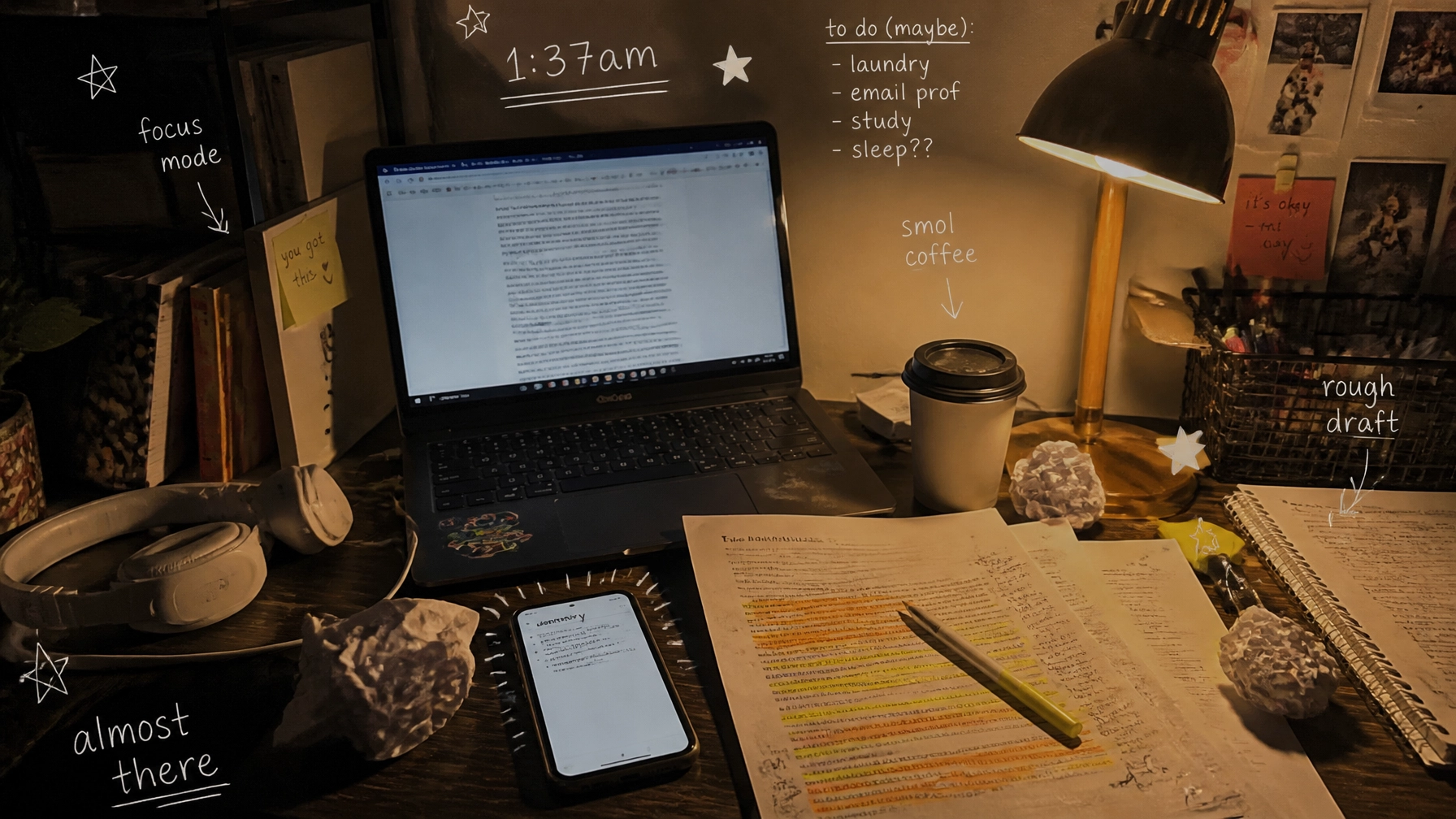
You know that moment when you open a “quick” reading for class… and it’s 26 pages long, with footnotes that feel personally insulting?
And you’re sitting there like: Do I read all of this, or do I choose sleep and accept my fate?
With that being said, summarizer tools are basically the cheat code for research and study efficiency, not for skipping learning, but for getting to the point faster. They help you:
- figure out what an article is actually saying before you sink an hour into it
- pull out key claims, terms, and quotes for your notes
- decide if a source is worth using in your paper
- build study guides without rewriting your entire textbook by hand (pain)
And yes, if you’re worried about professors side-eyeing anything “AI-ish,” we’ll talk about how to use these tools without turning your work into a suspiciously polished robot monologue.
Quick writing tip first (because you’re busy)
Before you paste anything into a summarizer, ask yourself:
- What do you need the summary for? (discussion post? research paper? exam?)
- What format helps you most? bullet points, paragraph, outline, flashcards
- What must NOT be lost? definitions, statistics, methodology, limitations, counterarguments
Then when you get a summary back, do this tiny sanity check:
- Find one key claim in the summary and locate it in the original.
- If it’s not there (or it’s distorted), the tool is improvising. And you do not want improv facts in your bibliography.

What makes a summarizer actually good for students?
Not all summarizers are built the same. Some are great at shortening… but bad at understanding. When you’re picking a tool, look for:
- Input options: paste text, upload PDF, summarize by URL
- Output control: short vs long, bullets vs paragraphs
- Accuracy vibe: does it keep the author’s meaning, or does it “smooth” it into nonsense?
- Research-friendly features: key terms, citations, section-by-section breakdowns
- Privacy: especially if you’re pasting draft writing (always read the tool’s policy)
The best sites to summarize text (student-tested, deadline-approved)
1) QuillBot Summarizer (good for everyday reading + adjustable length)
If you want a straightforward summarizer that lets you control output, QuillBot Summarizer is a solid go-to. It’s built for condensing long text into key points, and it gives you options like bullet points vs paragraph style.
Best for:
- lecture readings, textbook sections, articles you need to skim fast
- turning a long passage into a “what do I need to remember?” version
Link: https://quillbot.com/summarize
Student move: after summarizing, make your own 3-line version in your voice. That tiny rewrite step helps with retention and keeps your writing sounding like you.
2) Grammarly’s Free AI Summarizing Tool (fast, simple, no sign-up)
Grammarly has a free summarizing tool that’s super low friction. Paste your text, choose bullets or paragraph, pick a tone/style, done.
Best for:
- quick summaries when you don’t want to log in to anything
- turning messy notes into something readable before you study
Link: https://www.grammarly.com/ai/ai-writing-tools/summarizing-tool
Important: Grammarly even mentions citing your source and disclosing AI use when needed. Translation: use it like a study helper, not a stealth author.
3) SMMRY (minimalist + fast summaries)
SMMRY is kind of the “I just need a summary, please don’t talk to me” option. Paste content or use URL-style input and get a condensed output.
Best for:
- quick article overviews
- reducing long readings when you’re triaging sources for a research paper
Link: https://smmry.com
Heads up: Some tools with super-short outputs can chop out nuance. If you’re reading something argumentative (like sociology or philosophy), double-check the original for context.
4) TLDR This (popular for web article summaries)
TLDR This shows up a lot in “best summarizer” roundups for a reason: it’s geared toward summarizing web content quickly so you can beat information overload.
Best for:
- online articles, blog posts, news pieces, web readings
- getting the gist before you take notes
Link: https://tldrthis.com
Note: I couldn’t scrape their page from our tool environment today, but it’s widely referenced in current summarizer lists. Always do the “find one claim in the original” accuracy check.
5) Scholarcy (research-paper friendly, built for academic reading)
Scholarcy is one of the most cited tools for summarizing academic papers specifically. It’s designed around research workflows (think: key points, sections, and study-friendly outputs).
Best for:
- journal articles, long PDFs, literature review reading
- turning dense studies into usable notes
Link: https://www.scholarcy.com
Same note as above: our scraper couldn’t access the site today, but it’s consistently recommended in student/research tool roundups.
6) Wordtune Read (helpful for long documents)
Wordtune Read is known for summarizing long docs and helping you focus on key parts (especially if you’re working with long-form reading and want less “wall of text” energy).
Best for:
- long reports, class PDFs, big readings you can’t finish in one sitting
Link: https://www.wordtune.com/read

How to use summarizers for research (without messing up your paper)
Summarizers are best when they’re used like a spotlight, not a replacement brain.
Use summarizers to do “research triage”
When you’re building a source list, run summaries to answer:
- What’s the thesis/claim?
- What kind of evidence is used?
- Is the source even relevant to my prompt?
- Does it include a stat or quote worth pulling?
If the summary shows the source is irrelevant, congrats: you just saved 30 minutes.
Build a “quote bank” the smart way
Summarizers are not quote machines. But they can tell you where the important parts are.
Workflow:
- Summarize the article
- Identify 2–3 key points
- Go back to the original and pull exact quotes + page numbers (or paragraph markers)
- Paste those into a quote bank doc with citations
That’s how you stay accurate and avoid accidental plagiarism.
“Will this get me flagged?” A quick reality check
A summarizer output can sound weirdly polished, repetitive, and generic: aka the exact vibe that makes professors suspicious.
So do this instead:
- Use the tool’s output as notes, not final submission text
- Rewrite in your own voice
- Include your own reaction: why it matters, how it connects to your topic, what you agree/disagree with
- Keep some natural variety in sentence length and structure (because humans do that)
If you need help making your writing clearer (without making it sound like it came out of the same AI vending machine as everyone else), you’ll like our post on simplifying your writing without losing your meaning: it’s basically the “make it readable” survival guide:
Internal link: The Hidden Free Tools on Our Home Page Every Student Needs
And if you’re trying to smooth out robotic phrasing and make a draft sound more natural, check out our guide on humanizing AI-generated content.
(That one also mentions our Essay Check/Review feature, which students use to sanity-check drafts before submission.)

A behind-the-scenes study workflow you can steal (takes 15 minutes)
Here’s a real “I have three assignments and I’m cooked” method you can run tonight:
- Pick 3 sources you think you’ll use
- Summarize each source into 8–10 bullets
- Under each bullet, write:
- So what? (why it matters to your topic)
- Proof? (what evidence the author uses)
- Create a mini-outline:
- Paragraph 1: claim + source A
- Paragraph 2: counterpoint + source B
- Paragraph 3: synthesis + source C
- Then write your draft using your outline and quote bank
You’ll feel like you suddenly have your life together. Not permanently. But for long enough to submit something decent.
When you need more than a summary (aka: the assignment is bigger than your bandwidth)
Sometimes the issue isn’t reading: it’s everything after reading. Like:
We are often called the cheapest essay writing service by students who value both their time and their wallet.
- turning 12 sources into an actual argument
- organizing a research paper so it doesn’t read like a chaotic group chat
- fixing grammar + citations while you’re running on iced coffee and regret
That’s where we come in, as support. At Submit Your Assignments, we help with:
- brainstorming and outlining
- editing and clarity cleanup
- reference materials and model papers
- research organization (so your sources don’t eat you alive)
If you want help, start here:
Internal link: Submit Your Assignments (main site)
And if you’re the kind of student who likes free tools first (respect), you can also browse:
Internal link: Student resources
 Summarize -> Verify -> Cite”>
Quick “best tool” picks (if you don’t want to overthink it)
- Need adjustable summaries for general use? → QuillBot
- Need fast + no sign-up? → Grammarly summarizer
- Need minimalist speed? → SMMRY
- Need research-paper support? → Scholarcy
- Need web-article skimming? → TLDR This
- Need long-doc help? → Wordtune Read
Fun facts (because your brain deserves a treat)
- Your brain reads faster when you’re looking for questions, not “information.” Try summarizing by asking: What is the author trying to prove?
- The fastest way to level up a summary is adding 1 sentence of context and 1 sentence of limitation (what it doesn’t cover).
- If you can’t explain a source in 2–3 sentences, you probably don’t understand it yet. Which is annoying. But useful.